Automatic SMS to your guests for orders, bills and bookings
AirQR sends your guests the updates they would otherwise ask your staff for, by SMS. Order confirmed, order ready, the e-bill, booking reminders and your table is ready. You choose what is sent, outlet by outlet, and every message is paid from your Wallet as you use it. Guest SMS is available now and is switched on for your business on request.

- SMS to your guests, sent by AirQR
- You choose what is sent, per outlet
- Pay as you use from your Wallet
The updates your guests get
Each type can be switched on or off by itself.
Order updates
For takeaway and online orders. The guest hears when an order is confirmed, when it is held for payment, when it is accepted or cannot be accepted, when a UPI payment is confirmed or not found, when it is out for delivery or ready for pickup, and when it is cancelled or a refund is recorded.
The e-bill
When a bill is settled, the guest gets a link to the e-bill on their phone, so there is nothing to print or hand over.
Booking messages
For table reservations. Booking confirmed with a link to manage it, a reminder before the booking, and a message when the restaurant changes or cancels it.
Waitlist messages
A guest who joins the waitlist is told their place, and hears when their table is ready.
Game Zone messages
For station bookings. A confirmation with a manage link, a reminder, and a message when five minutes are left on a running session.
How you stay in control
Messages follow the settings you choose, never the other way round.
- 01
Choose what is sent
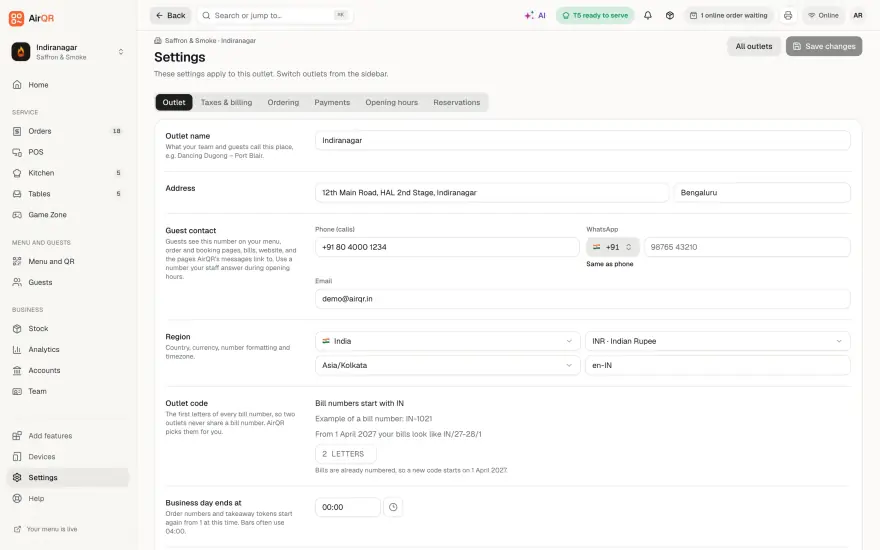
In Settings, then Messages, each message type has its own control, and you can set it for the whole business or for one outlet.
- 02
Guests are told who is writing
Screens where a guest leaves a number show that updates are sent by AirQR, with a link to the terms. A guest can stop messages, and the stop is respected.
- 03
Staff typed numbers have a switch
When staff type a guest's number at the POS, there is a Send order updates to this number switch they can turn off with one tap.
- 04
Your name on every SMS
Set your SMS name once, letters, digits and spaces, up to 30. Every SMS starts with it and ends with via AirQR.

Paid from your Wallet
Messages use the same Wallet as your other pay as you use services.
No separate bill
Each message is paid from your Wallet balance, shown in your own currency. You see what each one costs on the Wallet page.
Failed messages cost nothing
If an SMS update fails, its price goes back to your Wallet automatically.
Safe at zero
At zero balance, messages stop and are not sent later. Guests are never told, and staff see Not sent. Budgets and alerts help you see it coming.
Never a commission
Messages are pay as you use from your Wallet. They are never a commission on your orders, and orders from your own channels still carry 0% commission.
How to get started
- Ask AirQR to switch guest SMS on for your business
- Add money to your Wallet first, because messages are paid from it
- Choose which types of update are sent
- Switch a type off for a single outlet if you want to
- Guests see that updates come from AirQR, and can stop them
How guest messages works in AirQR.
What guest SMS does
Guests who order or book with you want to know three things. Did you get it, when is it ready, and what changed. Without messages your staff answer those at the counter or on the phone. Guest SMS answers them on the guest's own phone, with a link back to their order page or booking.
The messages are updates about something the guest has already done. They are not adverts. They cover order updates, the e-bill, booking reminders, table ready messages and Game Zone bookings.
To switch guest SMS on for your business, write to support@airqr.in. Then add money to your Wallet and choose which updates are sent.
Where this fits with the rest of AirQR
Guest messages work with the ways guests already order. A guest who orders from your QR menu or your online ordering link has a status page. The messages carry the guest back to it.
Guest messages are about updates on orders and bookings. For points, offers and your guest list, see loyalty and CRM.
Asked about guest messages, answered.
Are guest messages available now?
Yes. Guest SMS is available now. It is switched on for each business on request, so write to support@airqr.in and we will switch it on for yours.
Which messages will guests get?
Order updates for takeaway and online orders, the e-bill, booking reminders, waitlist and table ready messages and Game Zone booking messages. You switch each type on or off yourself.
Do guests get WhatsApp or SMS?
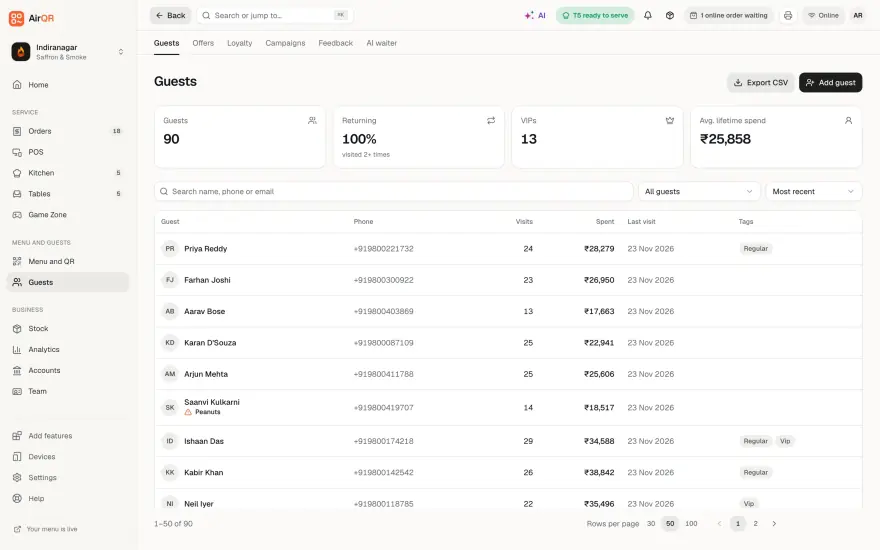
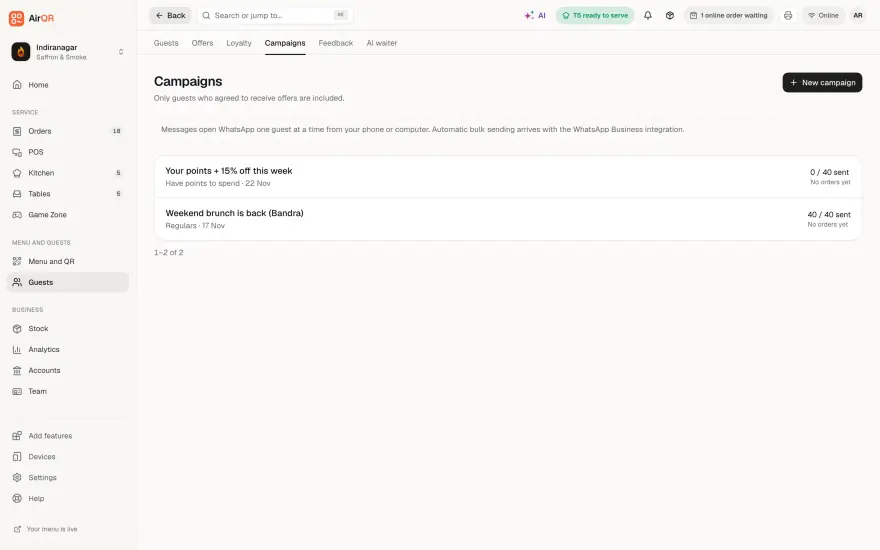
SMS. Guest updates are sent as SMS from AirQR. Separately, you can send campaigns from Guests then Campaigns, on WhatsApp one tap per guest, or by SMS to guests who agreed to offers, paid from your Wallet.
How are messages paid for?
Pay as you use from your Wallet. Failed messages give their price back to your Wallet automatically.
Is it a commission on my orders?
No. Messages are pay as you use from your Wallet and are never a commission. AirQR takes 0% commission on orders from your own channels.
Can a guest stop the messages?
Yes. Each SMS links to a page where the guest can stop messages from you, and the stop is respected.
What happens if my Wallet reaches zero?
Messages stop and are not sent later. Guests are never told, and your staff see Not sent. Alerts on the Wallet page warn you before it happens.




Your next service, on AirQR.
Import your menu from a photo, print your table cards, take orders today. 28 days free, no card.
Not sure which plan? See plans and prices